

Low Wagering
Low Wagering Casino Bonus in Canada A low wagering casino bonus in Canada has a 25x or less playthrough. The ...
Responsible Gambling
Responsible Gambling in Canada: Safer Play Tools, Warning Signs and Support Resources Responsible gambling at casinos in Canada means treating ...
Prepaid Card
Best Prepaid Card Casino in Canada 2026 A prepaid card casino is a good option for Canadian players who want ...
No Deposit
Free Spins No Deposit Bonuses in Canada: Top Picks and Real Value Explained Free spins no deposit bonuses in Canada ...
Free Spins
Best Free Spins Casino in Canada 2026 A free spins casino in Canada is only valuable if their terms allow ...
CC
02-02-2011, 11:29 PM
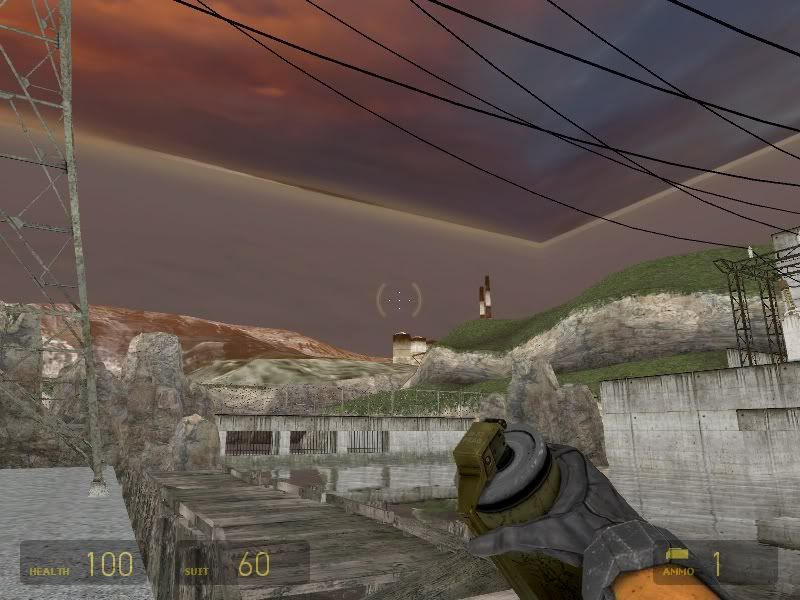
I’ve recently begun playing Half-Life 2 again, and all was going well until the level "Black Mesa East" came about. All of a sudden, the level finishes loading and the colors and shading seemed to be thrown off. The sky became an actual sky "box" instead of a round sky. There were no more shadows and everything looked off. I restart my computer, reload, nothing changes. I get to the next load point in the lab, repeat the process, and the colors are okay once again. Now, after successfully completing "We Don’t Go To Ravenholm", the next level loads with the same problem, so the lighting is entirely screwed up. I am using a Windows 7 eMachine computer, if that helps. Any help is appreciated! (Also: It doesn’t affect gameplay, it just looks bizarre, and I was wondering how this could be fixed.)
Raidenex
02-03-2011, 02:18 AM
Interesting, it seems like a rendering issue – what graphics card do you have? Also, can you tell us what settings you have in Half-Life 2 in the Video tab?
Alternately, it could be a corrupted install – Right-click the Half-Life 2 entry in Steam, go to Properties, Local Files tab, and click ‘Verify Integrity of Game Cache’.
CC
02-04-2011, 06:40 PM
Actually, I had everything set at the maximum :O But, I think I fixed the problem simply by setting the Texture Detail to medium, plus I clicked ‘Verify Integrity of Game Cache’. I just beat the game for the third time last night after playing it all day. I set a record time for completing it 🙂 My first time through it took me a week and a half (playing it most of the time), second time it took me a week, this time it took me two days, playing it constantly. I never encountered that weird rendering error again when I just kept the graphics on medium. But I will let you know if anything like this happens again 🙂 Thanks, Raidenex!
krissy
02-04-2011, 09:24 PM
WARNING
INCOMING GAME
WARNING
INCOMING GAME
INCOMING GAME
WARNING
INCOMING GAME

CC
02-05-2011, 04:19 AM
I miss that show!!!
Anyway, here’s three screenshots I caught while playing, just for grins. Just beat Episode 1; took me five hours.
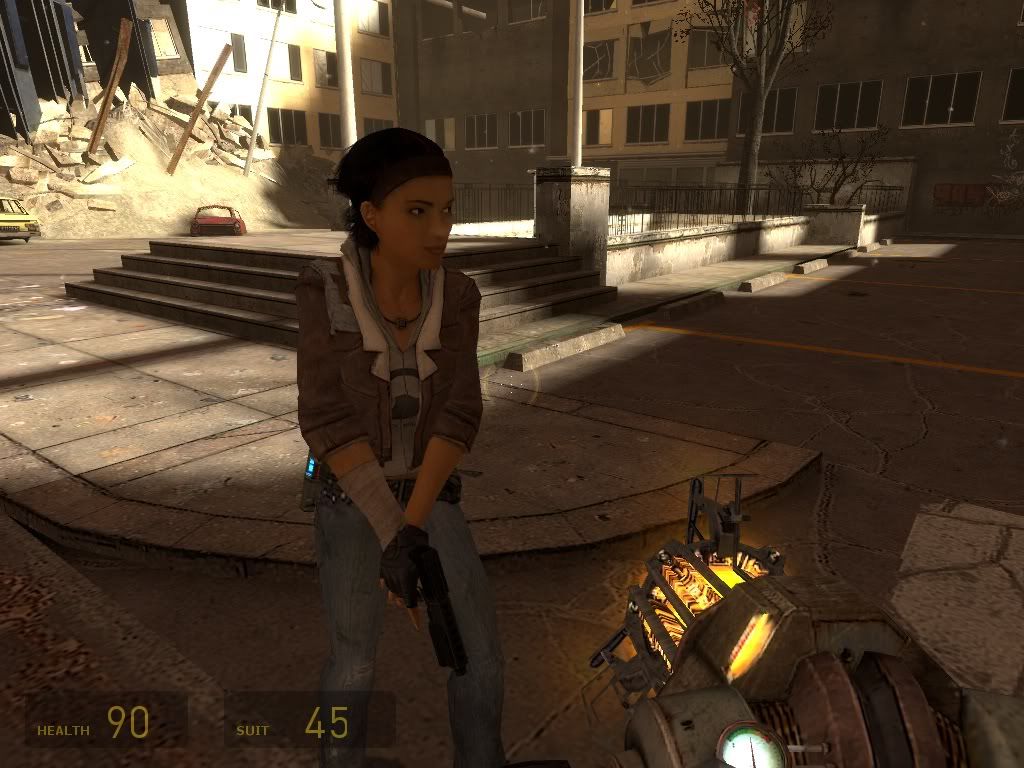
My favorite FPS character ever.
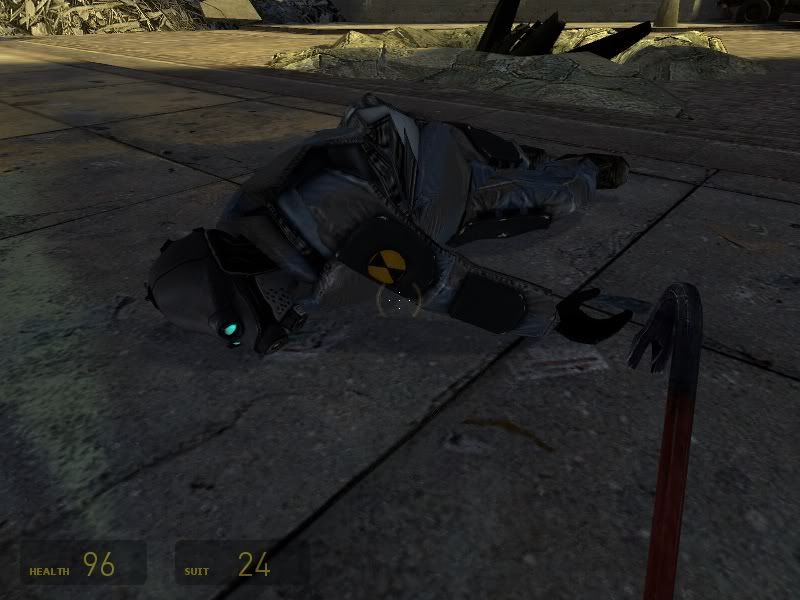
Pwnage.
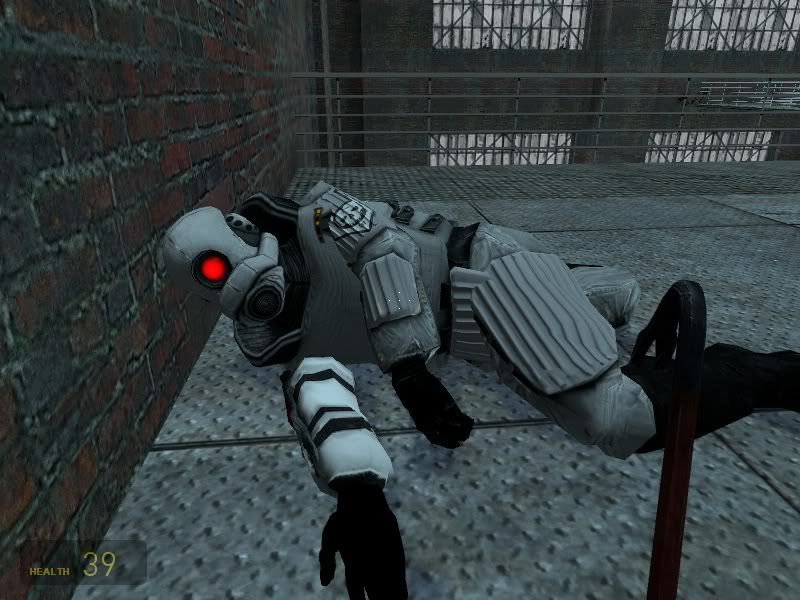
Elite pwnage.